From your store request to your first sign-in
Opening a store on laghazel takes three steps: you send a request, our team calls you and creates the store, then you activate your account with the link you receive.
Send your request
On Become a seller, fill in « Demander l’ouverture » (Request a store): first and last name, phone, store name, wilaya and what you sell. Your email and your Facebook or Instagram page are optional, but with an email you get the activation link directly.
Then click Envoyer ma demande (Send my request).
One request per phone number is enough: if you already sent one, our team will call you back.
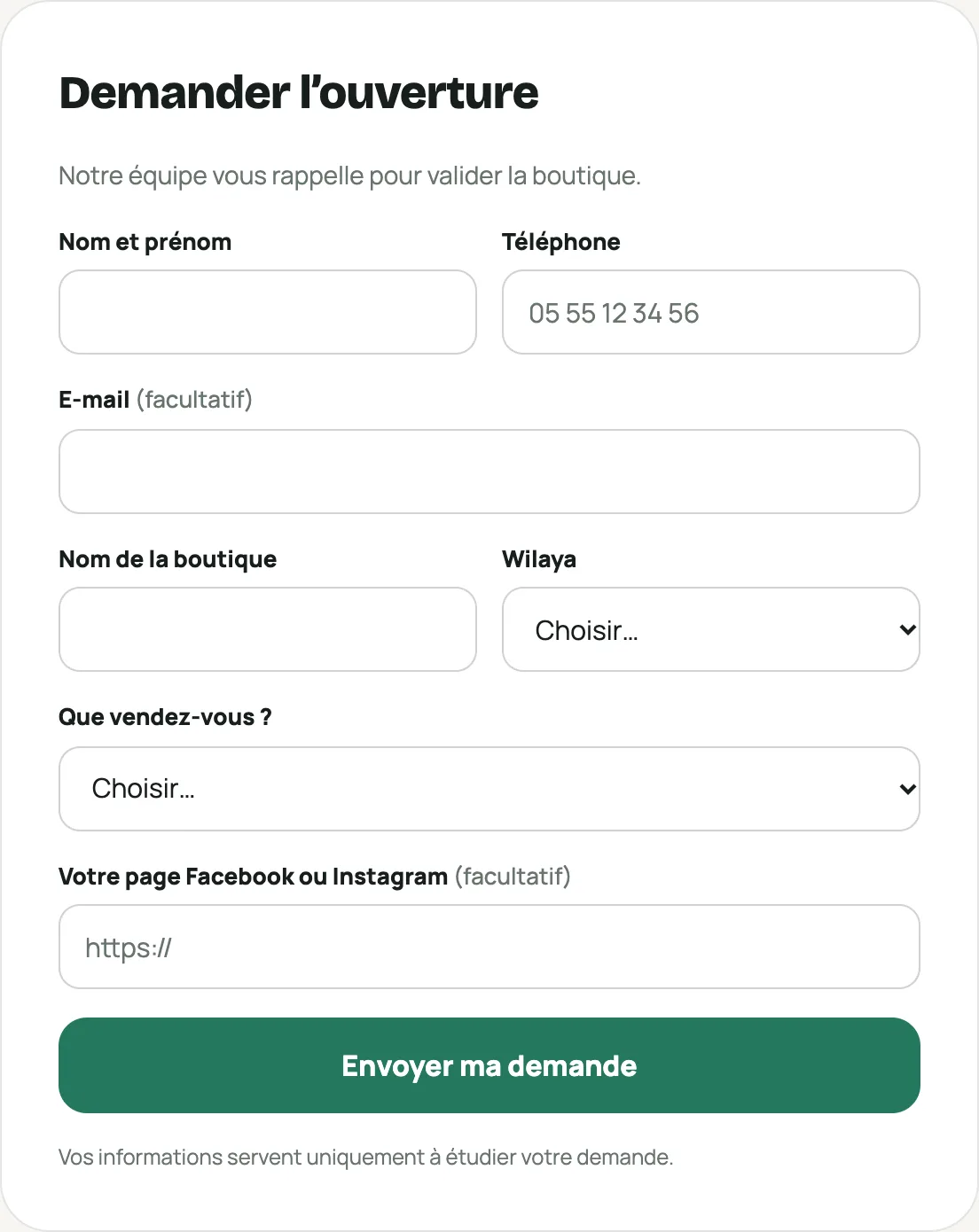
The « Demander l’ouverture » (Request a store) form Our team calls you
We call you on the number you gave to get to know you and approve the store. Together we choose its address: your-store.laghazel.com.
Activate your account
Once the store is created, you receive an activation link: by email if you gave one (« Bienvenue sur laghazel : … est prête »), otherwise by WhatsApp or SMS from our team. It is valid for 7 days and works only once.
The link shows your username. Choose a password of at least 8 characters, confirm it, then click Activer mon compte (Activate my account): you are signed in.
Link expired? Write to us and we’ll send you a new one.
Signing in next time
On the Espace vendeur (Seller area), enter your username (not your email) and your password. Forgot your password? The « Mot de passe oublié ? » (Forgot password?) link sends you a new one, valid for 24 hours.
Your dashboard shows your store, your balance and your page address. Next, follow Ready to sell in 5 steps.